A business and its team
Give every team an AI colleague that knows how you do things, and give every person an assistant of their own.
 Request access
FIG.01 A nook for your team
Nook is a private workspace where your people and AI work side by side. The AI remembers what your team decides, and takes the repetitive work off their plate.
( 02 ) How it fits together
Chat with your team in rooms, the way you already work.
Every team gets an AI colleague that knows how the team does things.
It reads, drafts and sends email, with your OK.
Everyone gets a private AI that helps with their own work.
A browser of its own, so it can log in and do the clicking.
Sets up your teams, and runs the workspace when you ask.
( 03 ) The idea
Nook takes the repetitive strain off your people. They keep the judgment, the relationships and the final say.
( 04 ) Memory
Every AI keeps notes, like a good new hire. Each night it tidies them: it files what's new, merges what repeats, and puts away what's old.
Your assistant's notes are yours alone. A team AI's notes belong to the team, with a name on every entry.
( 05 ) Real work
Each AI has its own computer and its own mailbox. It logs in to the websites your team uses and gets the job done. You can watch, or take over, any time.
Anything that spends money or speaks for you waits for your OK.
( 06 ) Private by design
Nook isn't one big app everybody shares. Every company gets a server of its own, and nobody else is on it. We serve teams in Canada and the US.
| 01Your own server | Not shared with any other company. |
|---|---|
| 02Your choice of country | Stored in Canada or the US, your choice. Your chats, files, notes and backups stay there. |
| 03Private network | Only your team's devices can reach it. The app connects in one tap. |
| 04Locked backups | Encrypted every night, and locked so nobody can quietly delete them. |
| 05Claude inside | The thinking is done by Claude, from Anthropic. |
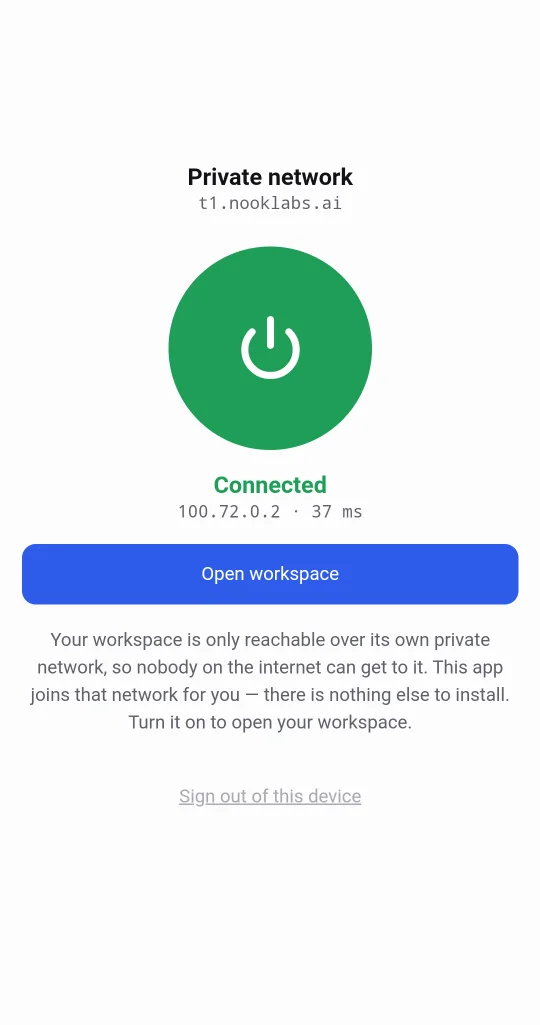
( 07 ) Who it's for
Give every team an AI colleague that knows how you do things, and give every person an assistant of their own.
Start alone with a few AIs that each own a job. Add people when you're ready.
One AI that remembers your life and your work, and can actually get things done.
( 08 ) Everywhere you work
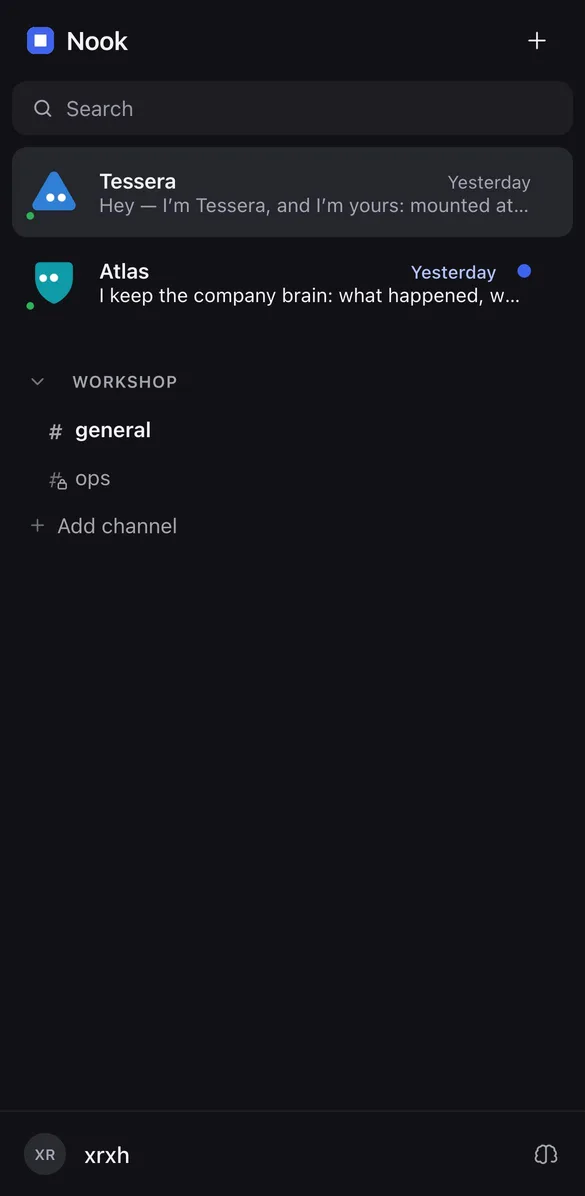
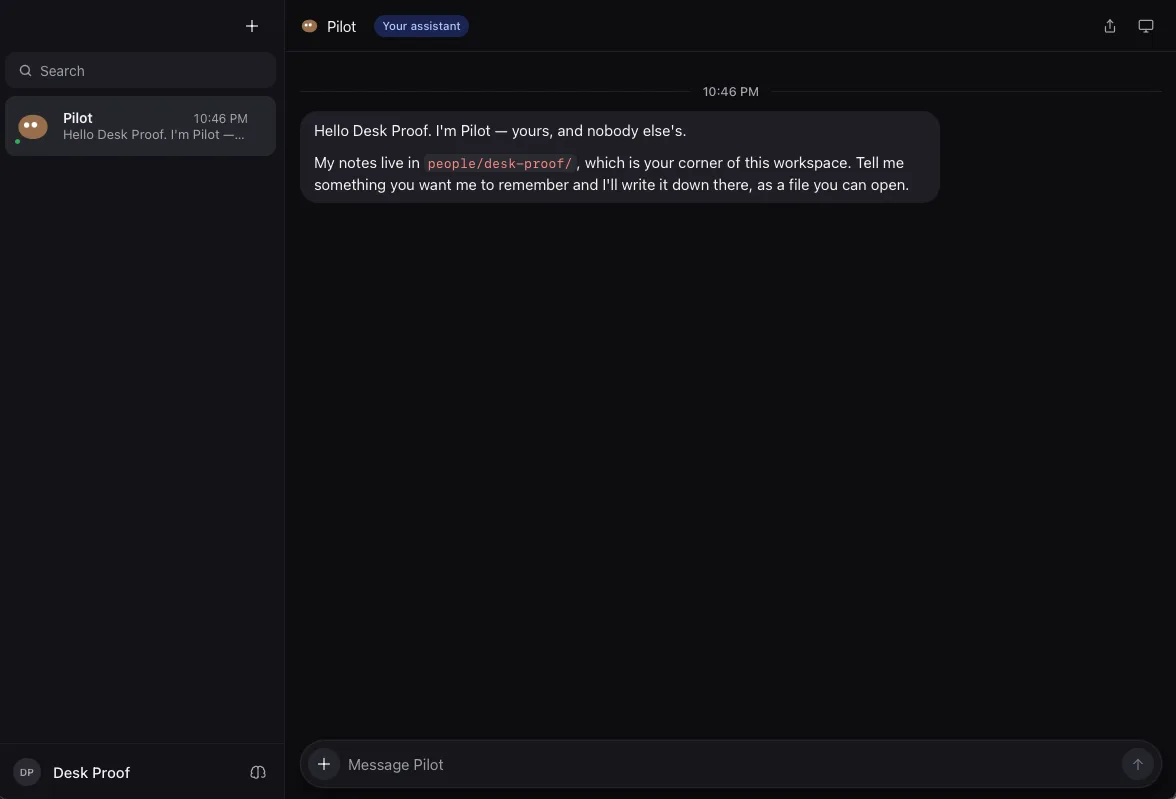
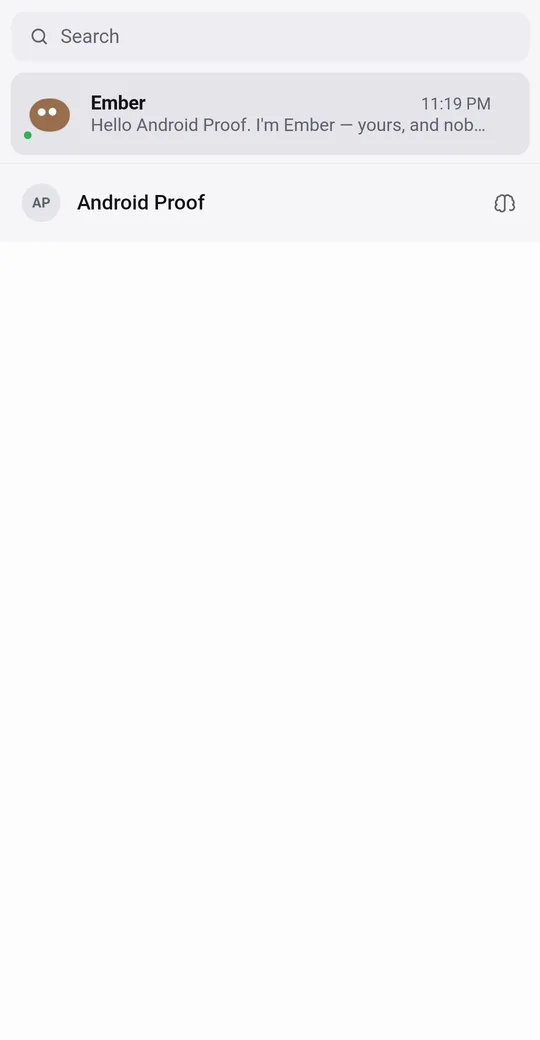
Apps for Mac, Windows, Linux, Android and iPhone. Same workspace, same AI coworkers, on every one.
( 09 ) Questions
A private workspace where your team chats, and AI coworkers help: they remember what the team decides and take on the repetitive work.
On a server of your own, in Canada or the US: you choose. Your chats, files, notes and backups are stored there, and it isn't shared with other companies. To think, the AI sends the conversation it's working on to Claude, from Anthropic.
No. We set up your server. You install the app, sign in and tap Connect. Your company AI helps you set up your teams by asking about your business.
There are apps for Mac, Windows, Linux and Android. The iPhone app is coming soon through TestFlight.
We're opening to a small group of companies first, and we'll talk pricing with you directly. It depends mostly on the size of your team.
Not by yourself yet. Request access below and we'll be in touch.
( 10 ) Request access
Nook is opening to a small group of companies in Canada and the US first. Tell us a little about yours.